

TorkivtxtCaster

In development · Desktop first

txtCaster

Turn your chapters into audio.

  • Windows
  • Linux

Turn PDF and EPUB chapters into audio, follow the text, and ask questions about what you read.

A cloud audio-study platform in development for web, mobile and desktop. Windows and Linux desktop apps come first.

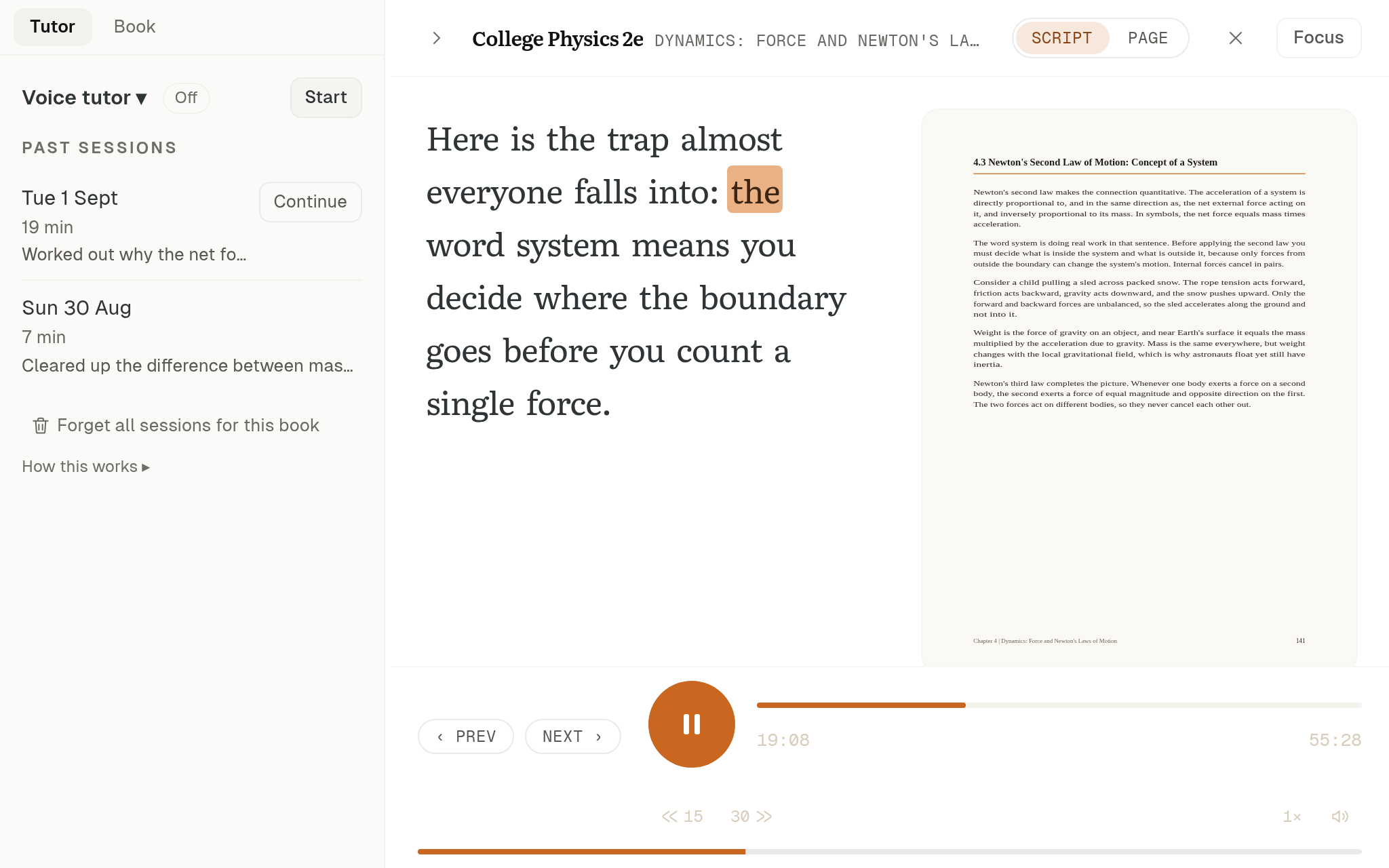
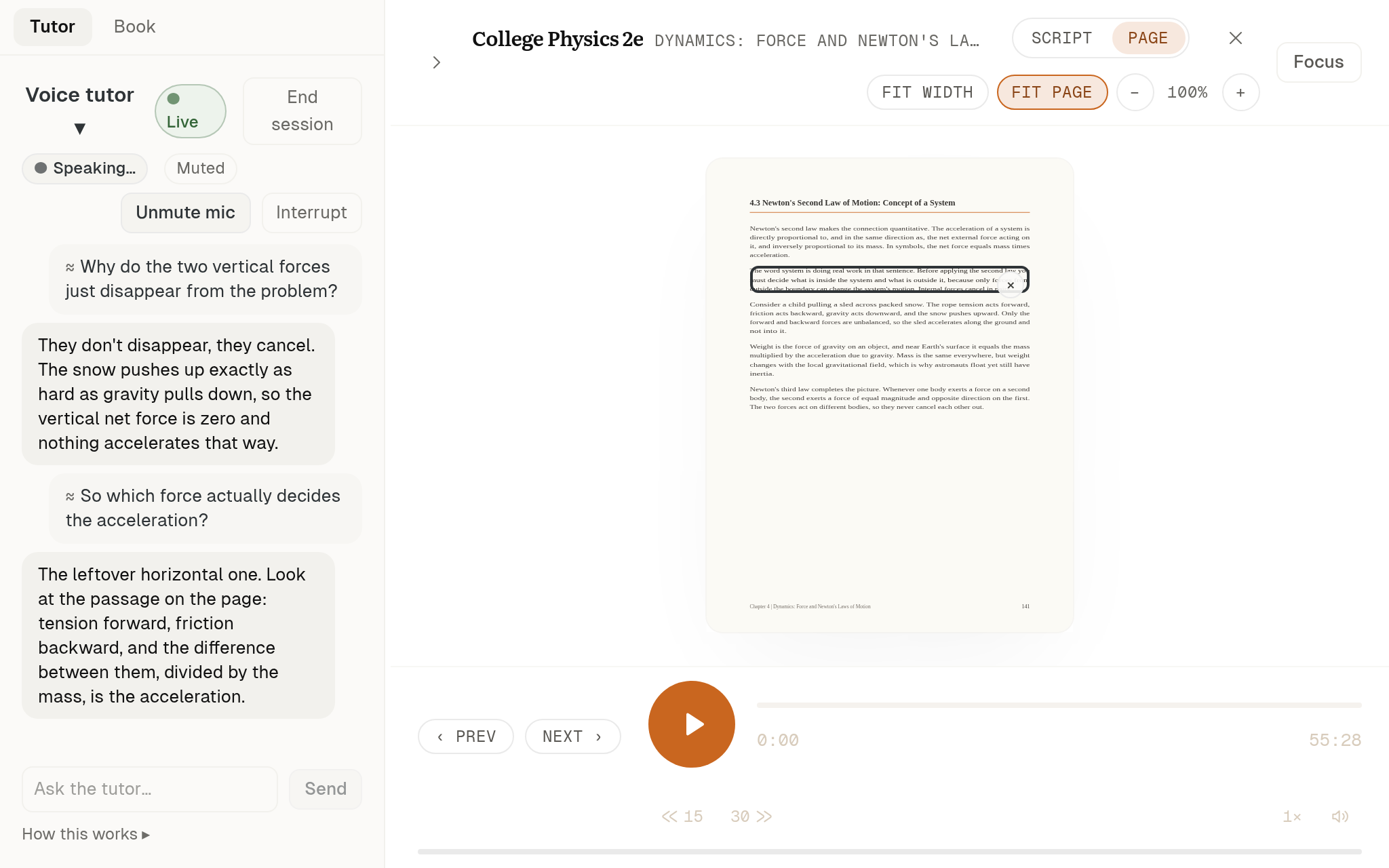
Reading view with highlighted word and audio controls
Follow each spoken word on the reading surface. The audio controls stay within reach.

Desktop preview from September and October 2026, matched to your website theme. Not a live session.

HOW IT WORKS

Open a document, then listen to it.

Open a PDF or EPUB and choose the chapters or pages you want. Then pick how it is read: Narrator reads the text as written, Teacher explains it as a lesson. While you listen, each word lights up as it is spoken. Try it yourself: pick a book from the shelf.

txtCaster Pick a book from the shelfPDF · EPUB
  1. 01Open a PDF or EPUB
  2. 02Choose the chapters or pages
  3. 03As written, or as a lesson
  4. 04Each word lights up as it is spoken

Inside the desktop app.

Choose your reading

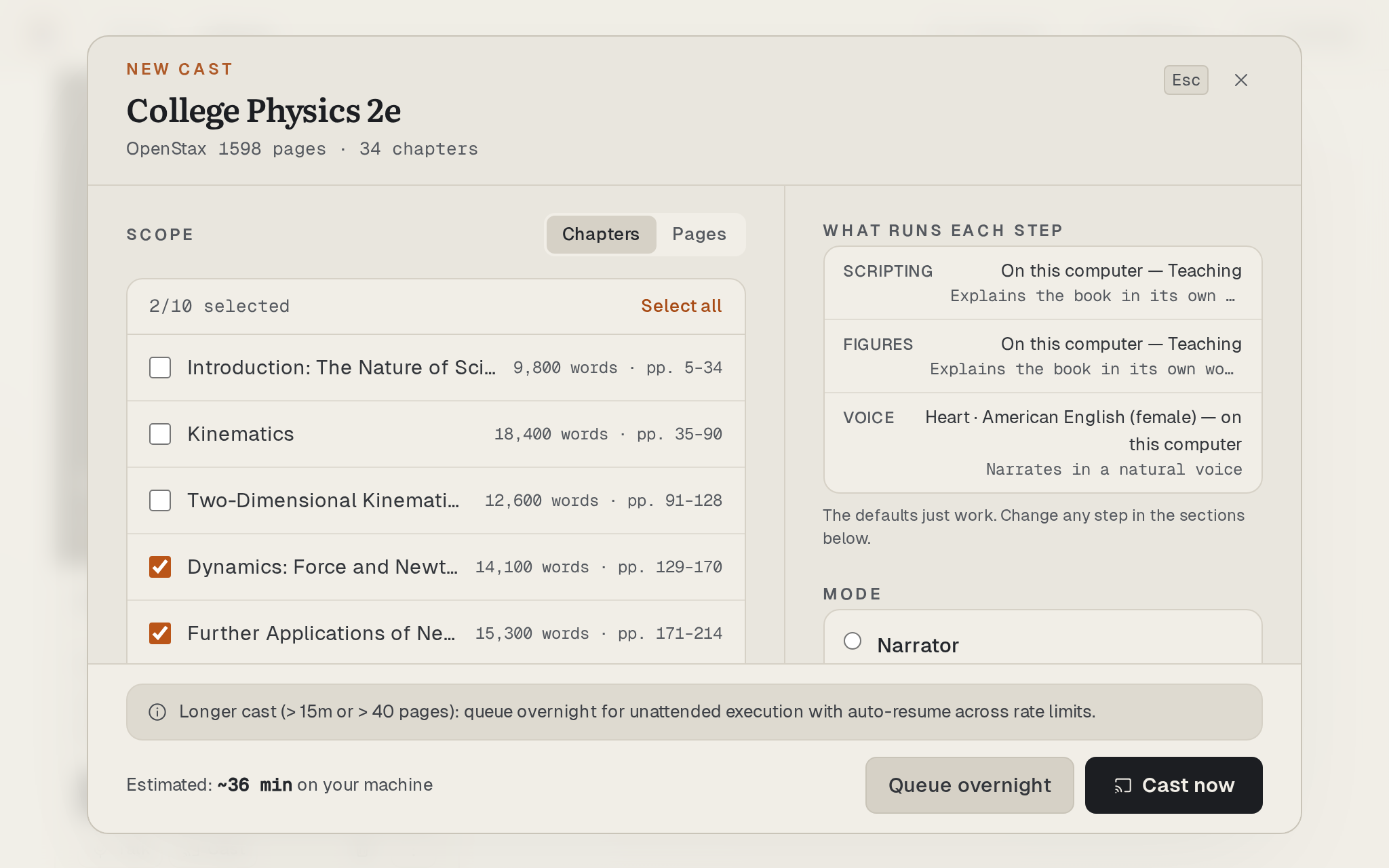
Choose chapters or pages and review the estimated time. Narrator reads the text; Teacher adapts it into a lesson.

Keep track of longer books

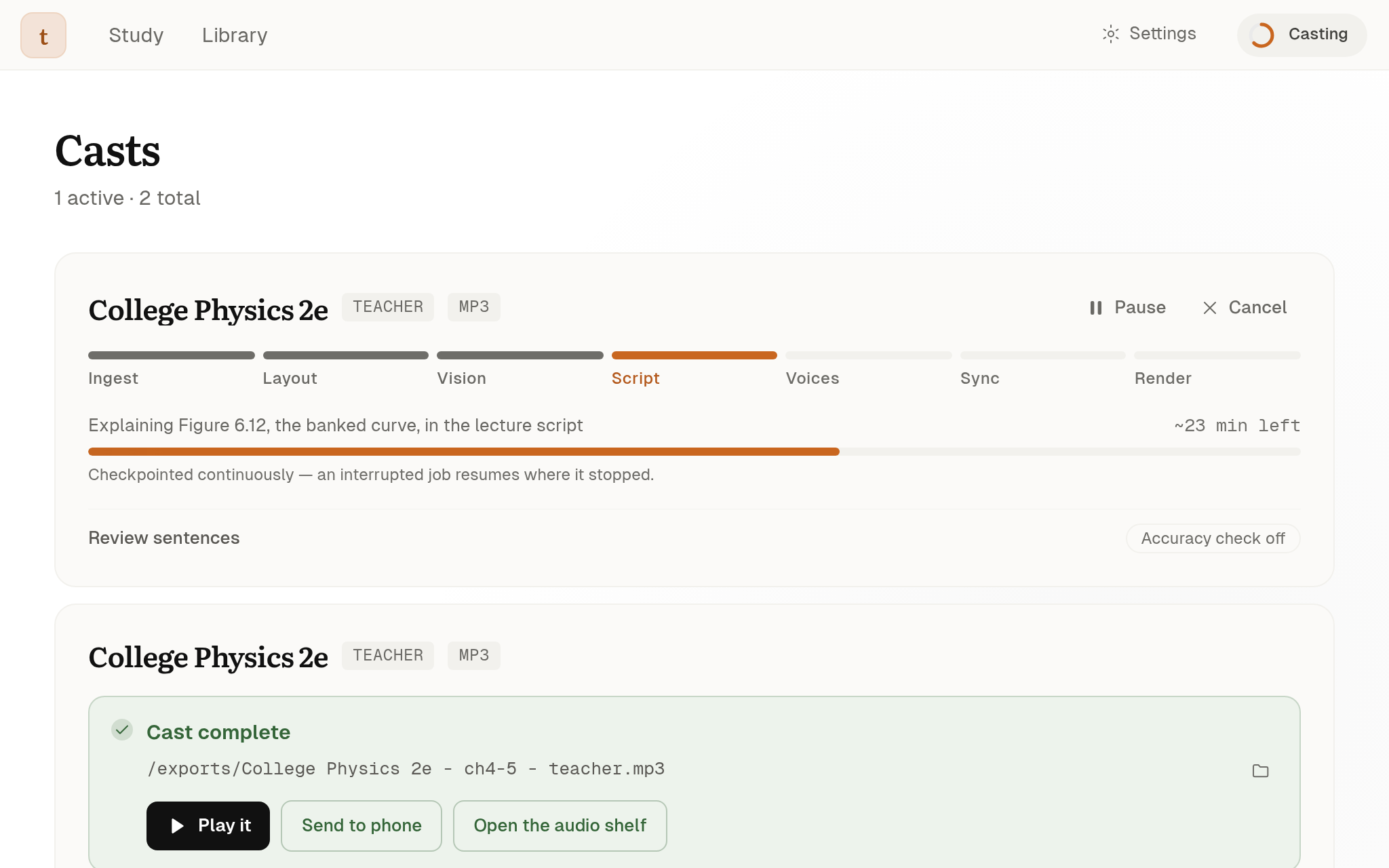
Review progress, pause and resume, or queue chapters overnight. Finished casts are MP3 files with chapter markers.

Keep the source in sight

Ask a question and check the passage cited in the answer. Conversations require an internet connection.

Development interfaces using simulated data, captured in September and October 2026.

Chapter selection and estimated time in the desktop preparation dialog

One passage.
Two ways to understand.

We ran this short document through txtCaster’s actual import, scripting and audio pipelines. Listen to both results.

Where does the energy go?

A cup of tea cools because energy moves from the warm tea into the cooler air. The energy has not disappeared. It has crossed a boundary. Choose the cup as your system, and you can follow where that energy goes.

Download the sample document

Genuine application-component outputs. This is not a desktop-session recording or a conversion-speed benchmark.

Narrator

0:13 · English audio

Hear the source in its own words.

Read the transcript

Where does the energy go? A cup of tea cools because energy moves from the warm tea into the cooler air. The energy has not disappeared. It has crossed a boundary. Choose the cup as your system, and you can follow where that energy goes.

Teacher

0:22 · English audio

Hear the passage re-explained as a lesson.

Read the transcript

So, where does all that energy actually go? Think about a simple example, like a cup of tea cooling down. The reason it cools is because energy is moving from the warm tea into the cooler air around it. It's really important to understand that this energy hasn't vanished; it has simply crossed a boundary. If we decide that the cup of tea is our 'system,' we can then track exactly where that energy goes.

From development runs.

Figures recorded from individual runs while building txtCaster.

Historical records from August to September 2026. Individual development runs, not performance guarantees.

49 min
of narrated audio from 24 pages, produced in about 7 minutes.
55 min
of taught audio from a 42-page chapter, produced in about 62 minutes.
83
interruptions handled in a development test with about 10 minutes of input audio.

CAPABILITIES

Everything around your reading, in one app.

  • PDF and EPUB import

    Open a PDF or EPUB and choose chapters or a page range.

  • Narrator and Teacher

    Hear the text as written, or adapted into a lesson.

  • Word-by-word highlighting

    Each word lights up on the reading surface as it is spoken.

  • Ask about a passage

    Ask a question and check the cited passage. Requires an internet connection.

  • MP3 with chapter markers

    Finished casts are MP3 files with chapter markers. Queue long books overnight.

  • Companion player

    A companion phone player receives finished audio over your local network.

AVAILABILITY

What is available, and what comes next.

Desktop and companion

The documented desktop build supports Windows and Linux. A companion phone player receives finished audio over your local network.

With installed local models, Desktop Offline processes documents on your computer without uploading them. Model downloads, updates and selected remote features have separate network requirements.

Planned cloud experience

The web app, cloud library, cross-device place keeping, mobile accounts and macOS support are planned. Animated explanations are also in development.

The first public release is being prepared. There is no public download yet.

For questions, partnerships and programmes, contact Torkiv directly.